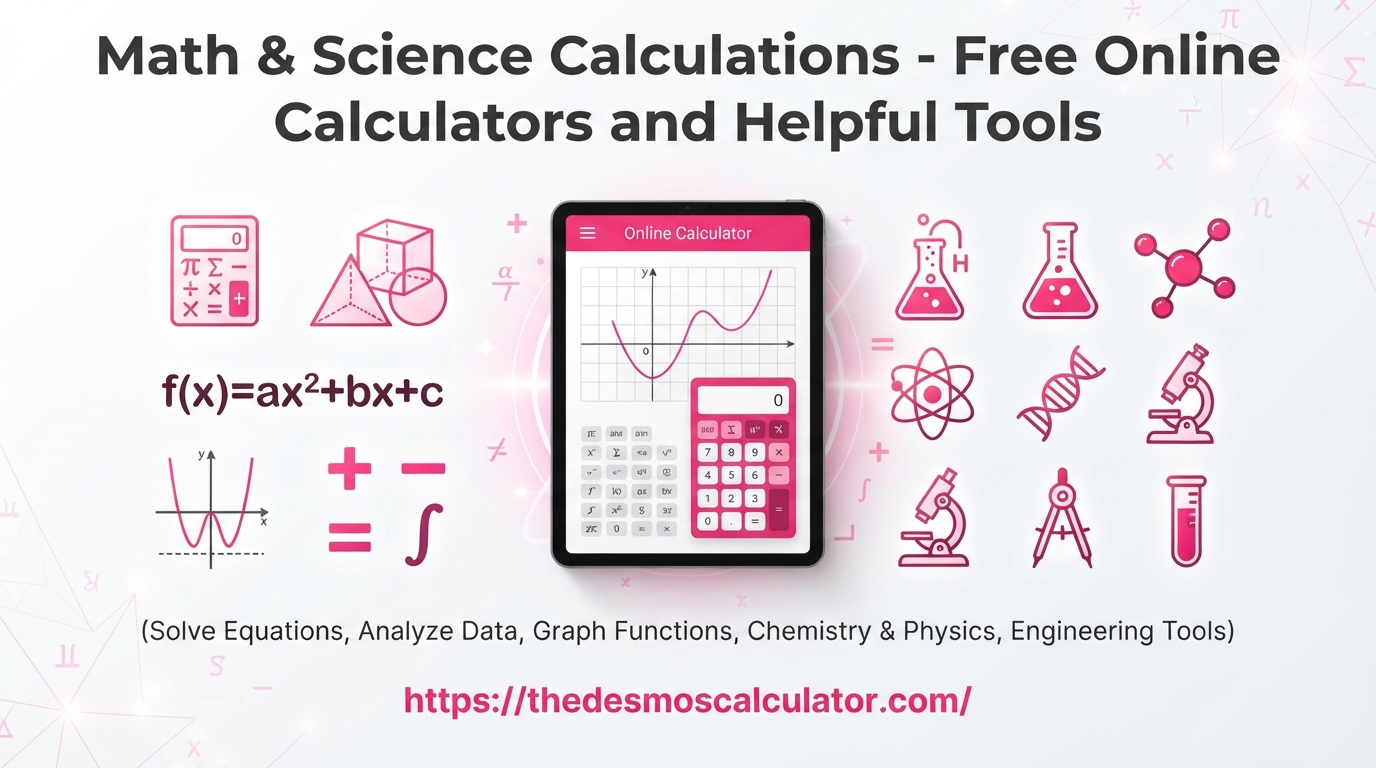
Math and science calculations are part of everyday learning. Students use them for homework, assignments, exams, lab work, and projects. Teachers use calculations to explain ideas, while engineers, researchers, and professionals use them to check measurements, formulas, and results.
Some calculations are easy to do by hand. Others can become difficult when they include several numbers, formulas, units, percentages, powers, roots, statistics, or scientific values. An online calculator can make these tasks faster and easier.
A good calculation tool should do more than give a final number. It should help you understand what you are calculating, show the formula when useful, use the correct units, and make the result easy to check.
This guide explains math and science calculations, the main types of calculations people use, common formulas, useful calculator tools, and simple ways to avoid mistakes.
What Are Math & Science Calculations?
Math and science calculations are numerical problems that use numbers, formulas, measurements, equations, or data to find an answer.
Math calculations can include simple arithmetic, percentages, fractions, algebra, geometry, trigonometry, statistics, probability, and calculus. Science calculations often use mathematics to study physical quantities such as speed, force, energy, mass, density, temperature, pressure, voltage, concentration, and time.
For example, a student may calculate the area of a rectangle:
Area = length × width
If the length is 10 meters and the width is 5 meters:
Area = 10 × 5 = 50 m²
A physics student may calculate speed:
Speed = distance ÷ time
If an object travels 100 meters in 20 seconds:
Speed = 100 ÷ 20 = 5 m/s
These examples are simple, but larger problems can contain many steps. That is where a calculator becomes useful.
Why Are Math & Science Calculations Important?
Calculations help turn information into useful results. Instead of only looking at a measurement, calculation lets you compare, predict, estimate, or understand what that measurement means.
For example, knowing that a car traveled 200 miles does not tell you its speed. You also need the time taken. With the distance and time, you can calculate the average speed.
In science, calculations are especially important because experiments often produce measurements that must be analyzed. A calculator can help reduce arithmetic mistakes, but the user still needs to choose the correct formula and enter the correct values.
A useful calculator website should therefore combine calculation + explanation + formulas + examples. Current calculator competitors commonly use this approach. Some organize tools by subjects such as mathematics, physics, chemistry, biology, and engineering, while others focus on step-by-step solutions and formula explanations.
Main Types of Math Calculations
There are many areas of mathematics. Each area uses different formulas and methods.
| Math Area | Common Calculations | Example Tools |
|---|---|---|
| Basic Math | Addition, subtraction, multiplication, division | Basic Calculator |
| Percentages | Percent of a number, percent change | Percentage Calculator |
| Fractions | Add, subtract, multiply, divide | Fraction Calculator |
| Algebra | Equations, expressions, variables | Algebra Calculator |
| Geometry | Area, perimeter, volume | Geometry Calculator |
| Trigonometry | Sine, cosine, tangent | Trigonometry Calculator |
| Statistics | Mean, median, mode, standard deviation | Statistics Calculator |
| Probability | Chance and outcomes | Probability Calculator |
| Calculus | Derivatives, integrals, limits | Calculus Calculator |
| Number Systems | Binary, decimal, hexadecimal | Number Converter |
| Scientific Math | Powers, roots, logarithms | Scientific Calculator |
This type of organized calculator library is useful because people often search for a specific calculation rather than a general calculator. Major calculator and education sites also group tools by calculation type or subject.
Basic Math Calculations
Basic math is the foundation of more advanced calculations.
The four main operations are:
- Addition
- Subtraction
- Multiplication
- Division
For example:
25 + 15 = 40
50 − 18 = 32
8 × 7 = 56
72 ÷ 9 = 8
Basic calculations may look easy, but mistakes can happen when several operations are combined. Parentheses and the order of operations become important in longer expressions.
For example:
5 + 3 × 2
The multiplication is completed first:
3 × 2 = 6
Then:
5 + 6 = 11
A scientific calculator can help with longer expressions and more advanced mathematical functions.
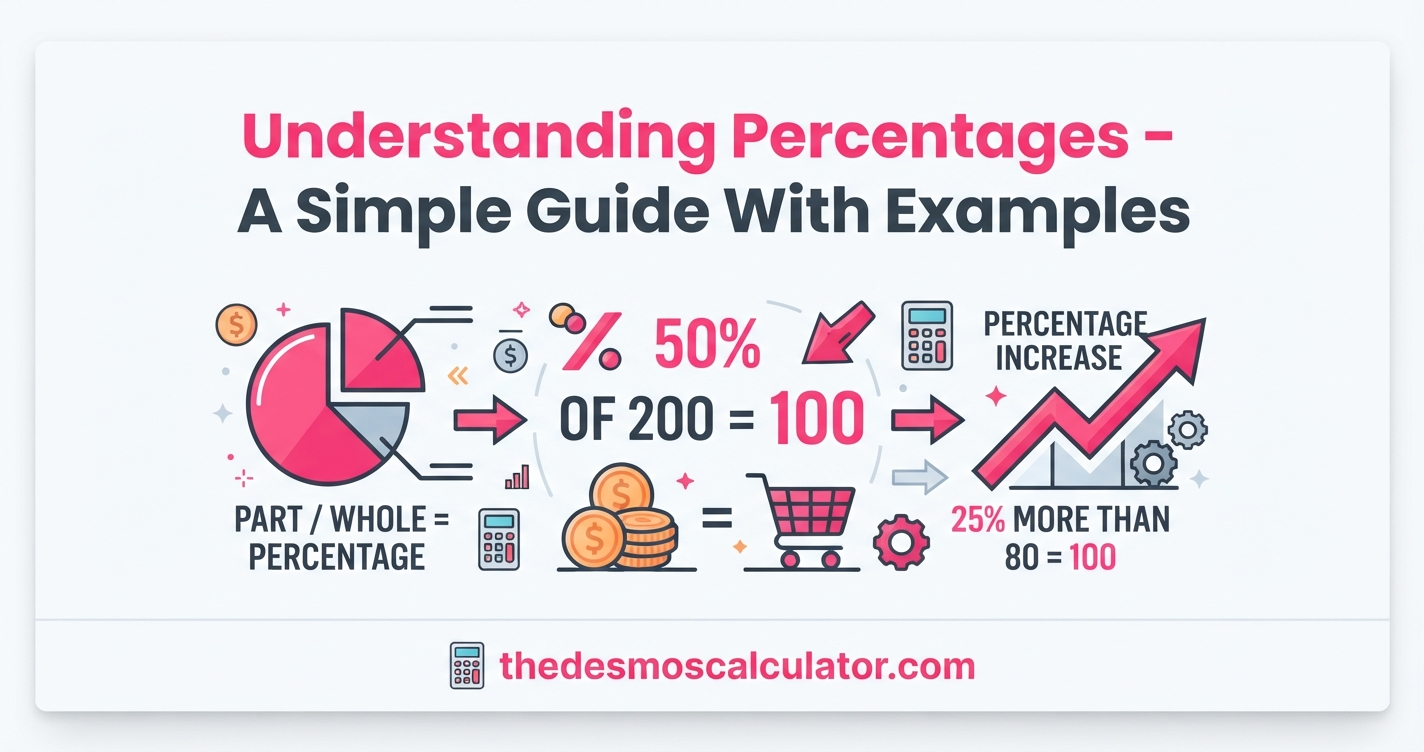
Percentage Calculations
Percentages are used in school, business, shopping, finance, statistics, and everyday life.
The basic percentage formula is:
Percentage = (Part ÷ Whole) × 100
For example, if a student answers 45 questions correctly out of 50:
(45 ÷ 50) × 100 = 90%
So the student scored 90%.
Percentage calculations can also find percentage increases and decreases.
The percentage change formula is:
Percentage Change = ((New Value − Original Value) ÷ Original Value) × 100
For example, if a price increases from $100 to $120:
((120 − 100) ÷ 100) × 100 = 20%
This means the price increased by 20%.
Fraction Calculations
Fractions represent parts of a whole.
Examples include:
- 1/2
- 3/4
- 5/8
- 7/10
To add fractions with the same denominator:
2/7 + 3/7 = 5/7
For different denominators, you normally need a common denominator before adding or subtracting.
Fractions are common in algebra, measurements, probability, ratios, cooking, construction, and science.
A fraction calculator can be helpful when the numbers become complicated or when you want to check your work.
Algebra Calculations
Algebra uses letters or symbols to represent unknown values.
A simple equation might be:
x + 5 = 12
Subtract 5 from both sides:
x = 7
More advanced algebra can involve:
- Linear equations
- Quadratic equations
- Systems of equations
- Exponents
- Radicals
- Polynomials
- Inequalities
- Functions
Step-by-step algebra calculators can be particularly useful for learning because they can show how an equation changes from one line to the next.
Geometry Calculations
Geometry deals with shapes, sizes, distances, and positions.
Common geometry calculations include area, perimeter, circumference, surface area, and volume.
| Shape | Common Formula |
|---|---|
| Rectangle | Area = length × width |
| Square | Area = side² |
| Triangle | Area = ½ × base × height |
| Circle | Area = πr² |
| Circle | Circumference = 2πr |
| Rectangular Prism | Volume = length × width × height |
| Cylinder | Volume = πr²h |
| Sphere | Volume = 4/3πr³ |
For example, a rectangle that is 8 meters long and 4 meters wide has an area of:
8 × 4 = 32 m²
Geometry calculators are useful when several dimensions or formulas are involved.
Trigonometry Calculations
Trigonometry studies the relationships between angles and sides of triangles.
The three common trigonometric functions are:
sin = opposite ÷ hypotenuse
cos = adjacent ÷ hypotenuse
tan = opposite ÷ adjacent
These functions are widely used in mathematics, physics, engineering, construction, navigation, and computer graphics.
When using a scientific calculator for trigonometry, always check whether it is set to degrees or radians. Using the wrong angle mode can produce an unexpected answer.
Statistics Calculations
Statistics helps us understand groups of numbers and data.
Common statistical calculations include:
- Mean
- Median
- Mode
- Range
- Variance
- Standard deviation
- Percentiles
- Probability
- Correlation
The mean is calculated by adding all values and dividing by the number of values.
For example:
10, 20, 30, 40, 50
The sum is:
150
There are five values:
150 ÷ 5 = 30
So the mean is 30.
Statistics calculators can save time when a dataset contains dozens, hundreds, or thousands of values.
Main Types of Science Calculations
Science uses mathematics in almost every major field.
Physics, chemistry, biology, astronomy, environmental science, and engineering all use calculations.
| Science Field | Common Calculations |
|---|---|
| Physics | Force, speed, acceleration, energy |
| Chemistry | Molarity, molar mass, pH, gas laws |
| Biology | Growth rate, population, genetics |
| Engineering | Voltage, resistance, stress, power |
| Astronomy | Distance, orbital calculations |
| Environmental Science | Concentration, pollution, rates |
| Laboratory Work | Error, uncertainty, dilution |
| General Science | Units, measurements, conversions |
Modern science calculator libraries often separate tools into categories such as physics, chemistry, biology, engineering, thermodynamics, electricity, astronomy, and laboratory calculations.
Physics Calculations
Physics explains how matter and energy behave. Many physics concepts can be represented with mathematical formulas.
Speed
Speed = Distance ÷ Time
If a cyclist travels 60 kilometers in 3 hours:
Speed = 60 ÷ 3 = 20 km/h
Acceleration
Acceleration = Change in Velocity ÷ Time
Force
Newton’s second law gives:
F = ma
Where:
- F = force
- m = mass
- a = acceleration
If mass is 10 kg and acceleration is 2 m/s²:
F = 10 × 2 = 20 N
Density
Density = Mass ÷ Volume
Science calculators can make these calculations easier, especially when unit conversions are required.
Energy Calculations
Energy is another major area of physics.
Kinetic energy is calculated with:
KE = ½mv²
Where:
- KE = kinetic energy
- m = mass
- v = velocity
Potential gravitational energy can be calculated using:
PE = mgh
Where:
- m = mass
- g = gravitational acceleration
- h = height
The important point is that formulas are only useful when the correct values and units are used.
Chemistry Calculations
Chemistry uses calculations to describe substances, reactions, concentrations, gases, and energy.
Common chemistry calculations include:
- Molar mass
- Moles
- Molarity
- Dilution
- pH
- Stoichiometry
- Gas laws
- Percent composition
- Reaction yield
Molarity
A common formula is:
Molarity = Moles of Solute ÷ Liters of Solution
For example, if a solution contains 2 moles of solute in 4 liters:
Molarity = 2 ÷ 4 = 0.5 M
A chemistry calculator can reduce repetitive arithmetic and help users focus on the chemistry concept.
Unit Conversions in Math and Science
Unit conversion is one of the most important parts of scientific calculation.
The same measurement can be expressed using different units.
For example:
1 meter = 100 centimeters
1 kilometer = 1,000 meters
1 kilogram = 1,000 grams
1 liter = 1,000 milliliters
Science problems often require a specific unit before a formula can be used.
For example, a physics formula may require meters and seconds, while a chemistry problem may require liters and moles.
Always check the required unit before calculating.
Why Units Matter
A calculator can perform arithmetic correctly while the final answer is still wrong because the input units were wrong.
For example, if a formula expects meters but you enter centimeters without converting them, the result can be off by a factor of 100.
A good habit is:
- Write down the known values.
- Write down their units.
- Identify the formula.
- Check the required units.
- Convert units if necessary.
- Enter the values.
- Check whether the answer makes sense.
This simple process can prevent many common mistakes.
What Is a Scientific Calculator?
A scientific calculator is designed for more advanced mathematical calculations than a basic calculator.
Typical scientific calculator functions include:
- Powers
- Square roots
- Logarithms
- Natural logarithms
- Trigonometric functions
- Inverse trigonometric functions
- Factorials
- Scientific notation
- Constants
- Parentheses
- Memory functions
Scientific calculators are useful for students studying mathematics, physics, chemistry, engineering, and other technical subjects.
Online scientific calculators can also be convenient because they work in a web browser without requiring a physical calculator.
Online Calculators vs. Manual Calculations
Both manual calculations and online calculators have a place in learning.
| Method | Advantages | Limitations |
|---|---|---|
| Manual Calculation | Builds understanding and practice | Can take longer |
| Basic Calculator | Fast for simple arithmetic | Limited advanced functions |
| Scientific Calculator | Handles advanced formulas | Requires correct input |
| Online Calculator | Fast and convenient | Depends on correct values |
| Step-by-Step Calculator | Helps explain the process | Still needs user verification |
The best approach is not simply to enter numbers and copy the answer. First understand what you are calculating, then use the calculator to perform or check the arithmetic.
How to Use a Math or Science Calculator Correctly
Follow these steps when using an online calculation tool.
1. Identify the Problem
Read the question carefully.
Ask:
What am I trying to find?
For example, are you finding speed, area, percentage, force, volume, or concentration?
2. Collect the Known Values
Write down the values you already know.
For a speed problem, you may have:
- Distance
- Time
For a force problem, you may have:
- Mass
- Acceleration
3. Find the Correct Formula
Choose the formula that connects the known values to the unknown value.
4. Check the Units
Make sure the units are compatible with the formula.
5. Enter the Values
Enter each value carefully.
Check decimal points, negative signs, exponents, and units.
6. Review the Result
Do not immediately assume the answer is correct.
Ask whether the result is reasonable.
7. Compare With a Rough Estimate
A rough estimate can catch large errors.
If you expect an answer around 100 and the calculator gives 100,000, check the formula, units, and input values.
Common Mistakes in Math & Science Calculations
Even a powerful calculator cannot fix incorrect information.
Entering the Wrong Number
A single typing error can change the final answer.
Always review your inputs before calculating.
Using the Wrong Formula
A calculator may produce a result even when the selected formula does not match the problem.
Understanding the question is more important than simply using a calculator.
Forgetting Units
Always include units with scientific calculations.
A result without a unit may be incomplete.
Using the Wrong Angle Mode
In trigonometry, check whether your calculator is using degrees or radians.
Rounding Too Early
Do not round every intermediate value unless the problem specifically requires it.
Early rounding can slightly change the final result.
Ignoring Significant Figures
Scientific work often requires answers to be reported with an appropriate number of significant figures.
The required number depends on the problem, measurement, and instructions.
What Makes a Good Online Math & Science Calculator?
A useful calculator should be simple enough for beginners but powerful enough for advanced users.
Important features include:
| Feature | Why It Matters |
|---|---|
| Clear input fields | Makes data entry easier |
| Formula display | Helps users understand the calculation |
| Step-by-step results | Supports learning |
| Unit support | Reduces conversion mistakes |
| Mobile-friendly design | Works on phones and tablets |
| Fast results | Saves time |
| Error messages | Helps users fix incorrect input |
| Examples | Shows how the tool works |
| Accessible interface | Makes tools easier for more users |
| No unnecessary steps | Keeps the calculation focused |
Competitor calculator sites increasingly emphasize clear formulas, worked examples, browser-based tools, mobile usability, and step-by-step explanations rather than showing only a final number.
Math & Science Calculations for Students
Students can use calculators for many different subjects.
School Mathematics
Useful tools include:
- Percentage calculator
- Fraction calculator
- Average calculator
- Geometry calculator
- Algebra calculator
- Scientific calculator
Physics
Students may need:
- Force calculator
- Speed calculator
- Acceleration calculator
- Energy calculator
- Momentum calculator
- Ohm’s law calculator
Chemistry
Useful tools can include:
- Molarity calculator
- Molar mass calculator
- pH calculator
- Dilution calculator
- Stoichiometry calculator
- Gas law calculator
Statistics
Students may use:
- Mean calculator
- Median calculator
- Standard deviation calculator
- Probability calculator
- Z-score calculator
- Percentage calculator
The value of these tools is not only speed. Step-by-step calculators can also help students compare their own work with the calculation process. Education-focused calculator libraries commonly promote this learning-oriented approach.
Math & Science Calculations in Real Life
You do not need to be a student to use math and science calculations.
People use calculations when:
- Comparing prices
- Measuring rooms
- Planning projects
- Converting units
- Calculating percentages
- Estimating travel time
- Measuring materials
- Understanding data
- Checking electrical values
- Working with recipes
- Planning budgets
- Comparing rates
For example, a homeowner may calculate the area of a room before buying flooring. A traveler may convert miles to kilometers. A business owner may calculate percentage growth. An engineer may calculate force or power.
Calculations are part of many everyday decisions.
Math & Science Calculation Tools You May Need
A complete calculator website can organize tools into simple categories.
Math Tools
- Basic Calculator
- Scientific Calculator
- Percentage Calculator
- Fraction Calculator
- Ratio Calculator
- Average Calculator
- Algebra Calculator
- Quadratic Calculator
- Geometry Calculator
- Triangle Calculator
- Pythagorean Theorem Calculator
- Exponent Calculator
- Logarithm Calculator
- Statistics Calculator
- Probability Calculator
Physics Tools
- Speed Calculator
- Acceleration Calculator
- Force Calculator
- Momentum Calculator
- Kinetic Energy Calculator
- Potential Energy Calculator
- Work Calculator
- Power Calculator
- Density Calculator
- Ohm’s Law Calculator
Chemistry Tools
- Molarity Calculator
- Molar Mass Calculator
- pH Calculator
- Dilution Calculator
- Stoichiometry Calculator
- Gas Law Calculator
- Percent Composition Calculator
- Concentration Calculator
Conversion Tools
- Length Converter
- Mass Converter
- Temperature Converter
- Area Converter
- Volume Converter
- Time Converter
- Speed Converter
- Pressure Converter
- Energy Converter
A broad subject structure like this mirrors the way established calculator libraries organize tools around user needs rather than placing every calculator on one long page.
How to Check a Calculator Answer
You should not depend blindly on any calculator.
Use these checks:
Check 1: Formula
Make sure you selected the correct formula.
Check 2: Input
Review every number you entered.
Check 3: Units
Confirm that all units are correct.
Check 4: Estimate
Make a rough calculation yourself.
Check 5: Reasonableness
Ask whether the result makes sense in the real world.
Check 6: Independent Check
For an important calculation, compare the result with another trusted method or calculator.
This is especially important for science, engineering, laboratory work, and other situations where a calculation may affect a later decision.
Do Online Calculators Replace Learning Math?
No. A calculator performs calculations, but understanding the problem is still important.
For example, a calculator can calculate:
100 ÷ 5 = 20
But it does not automatically teach you why division is the correct operation for your particular problem.
For learning, use a calculator as a support tool. Try to understand the formula, identify the known values, and work through the problem before checking the result.
Step-by-step calculator tools can be especially helpful because they show the method instead of only displaying the final number. This is a feature emphasized by several current math and science calculator platforms.
Important Tips for Accurate Calculations
Keep these simple rules in mind:
- Read the question carefully.
- Identify the unknown value.
- Write down the known values.
- Choose the correct formula.
- Check the units.
- Enter numbers carefully.
- Do not round too early.
- Check the calculator mode.
- Review the final answer.
- Use a rough estimate to catch large errors.
These steps work for many math and science problems.
Math & Science Calculations: Quick Reference Table
| Calculation | Basic Formula | Common Use |
|---|---|---|
| Percentage | Part ÷ Whole × 100 | Scores, prices, statistics |
| Average | Sum ÷ Number of Values | Data analysis |
| Speed | Distance ÷ Time | Physics, travel |
| Density | Mass ÷ Volume | Physics, chemistry |
| Force | Mass × Acceleration | Physics |
| Work | Force × Distance | Physics |
| Power | Work ÷ Time | Physics, engineering |
| Area | Depends on shape | Geometry |
| Volume | Depends on shape | Geometry, science |
| Molarity | Moles ÷ Liters | Chemistry |
| Kinetic Energy | ½mv² | Physics |
| Potential Energy | mgh | Physics |
| Ohm’s Law | V = IR | Electricity |
Frequently Asked Questions About Math & Science Calculations
What are math and science calculations?
Math and science calculations are problems that use numbers, formulas, measurements, equations, or data to find a result. Math calculations include percentages, algebra, geometry, statistics, and calculus. Science calculations include areas such as physics, chemistry, biology, and laboratory measurements.
What is the best way to solve a math calculation?
First understand what the question is asking. Then identify the known values, choose the correct formula or operation, check the units, calculate the answer, and review the result. A calculator can help with the arithmetic, but you should still understand the method.
Why are units important in science calculations?
Units show what a number represents. They also need to match the formula being used. For example, entering centimeters when a formula requires meters can produce an incorrect result. Always check and convert units before calculating when necessary.
Can online calculators solve science problems?
Many online calculators can solve specific science calculations such as force, speed, energy, density, molarity, pH, dilution, and gas-law problems. The available functions depend on the calculator. Specialized science calculator libraries commonly organize tools by physics, chemistry, biology, engineering, and other subjects.
Are online math calculators useful for students?
Yes. They can help students check arithmetic, practice formulas, verify homework, and understand calculation steps. They are most useful when students use them to learn and check their work rather than simply copying a final answer.
What is a scientific calculator used for?
A scientific calculator is used for advanced calculations such as powers, roots, logarithms, trigonometry, scientific notation, factorials, and other mathematical functions. It is commonly used in mathematics, physics, chemistry, engineering, and technical courses.
Why can a calculator give a wrong-looking answer?
The calculator may be working correctly while the input, formula, units, or calculator mode is wrong. Common problems include incorrect decimal placement, wrong angle mode, incorrect units, and selecting the wrong formula.
Should I round my answer?
Follow the instructions for the problem. In science, the correct number of significant figures may matter. Avoid unnecessary rounding during intermediate steps because it can change the final result.
Conclusion
Math and science calculations are important in school, work, research, engineering, and everyday life. From a simple percentage to a physics energy equation, the basic process is similar: understand the problem, identify the known values, select the correct formula, check the units, calculate the result, and review the answer.
Online calculators make the arithmetic faster, but a useful calculator should do more than provide a number. Formulas, examples, clear inputs, unit information, and step-by-step explanations can make calculations easier to understand.
Whether you need help with percentages, algebra, geometry, statistics, physics, chemistry, or unit conversions, the right calculator can save time and help you check your work.
The most important rule is simple: use calculators to support your understanding, not replace it. When you understand the formula and check your inputs, online calculation tools become a practical part of learning and solving real-world problems.
Explore More Calculators
Find more useful calculators across different categories.